
Window Resizer
Snap the front window to an exact size from the menu bar.
Taking screenshots at a consistent size, or testing a layout at a set width, means dragging window edges and squinting at pixels. Window Resizer keeps a list of sizes in the menu bar and resizes the active window to one in a click.
$ brew install --cask rxliuli/tap/window-resizer macOS 13 or later · Free and open source
How it works
- 1
Bring the window you want to resize to the front.
- 2
Click the Window Resizer icon in the menu bar and pick a size, such as Resize to 1280×800.
- 3
The window snaps to that size.
Grant Accessibility permission when asked. macOS requires it to resize other apps' windows.
The details
-
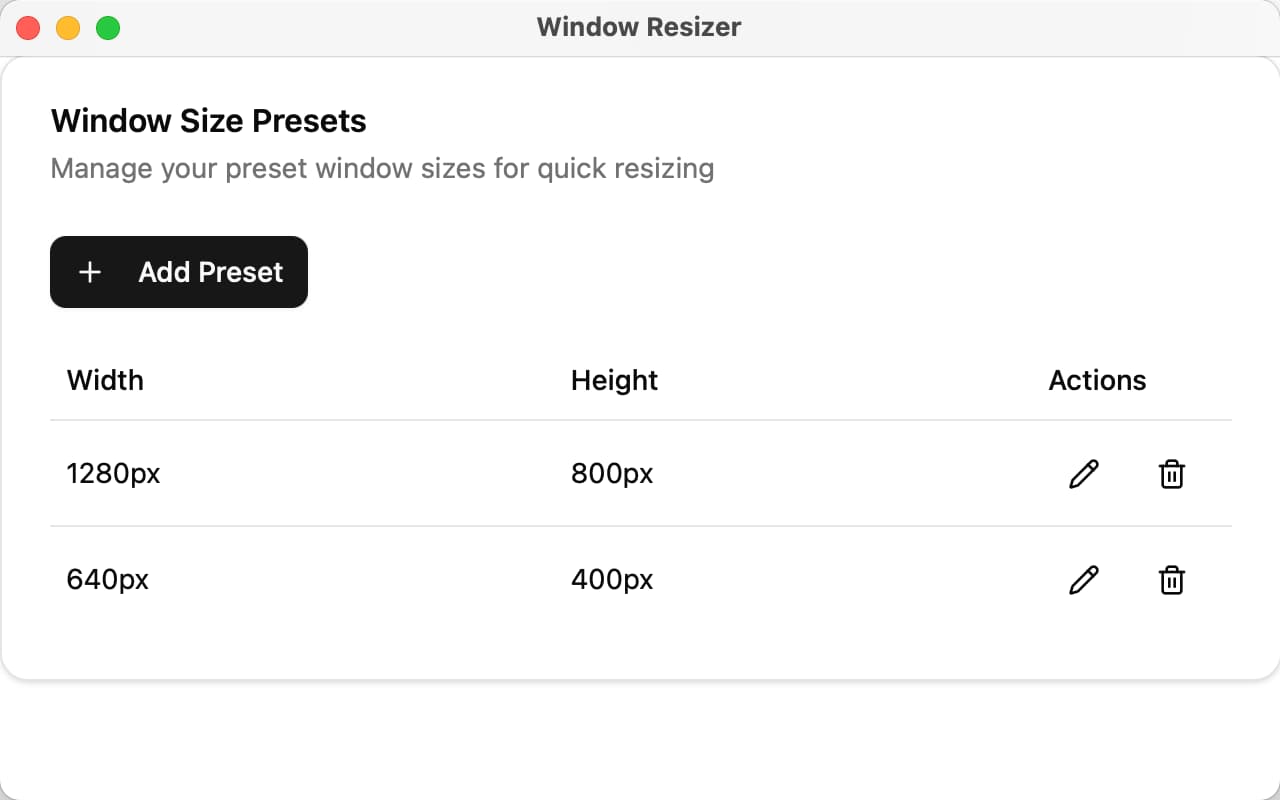
Your own presets. Add, edit and delete sizes in Settings. The menu updates right away.
-
Native and light. Built with Swift, AppKit and SwiftUI. No web runtime, tiny memory footprint.
-
Looking for Windows? The last cross-platform release is v0.2.6, built on the earlier Go codebase.
Window Resizer makes no network requests and has no analytics.
Found a bug or want a feature? Open an issue or come say hi.