SafariF12
F12 opens the Web Inspector in Safari, like everywhere else.
Chrome and Firefox open developer tools with F12. Safari wants ⌥⌘I. SafariF12 is a tiny background app that, while Safari is the frontmost app, turns F12 into ⌥⌘I, so the same muscle memory works in every browser.
$ brew install --cask rxliuli/tap/safari-f12 macOS · Free and open source
Set up once
- 1
In Safari, open Settings › Advanced and check Show features for web developers.
- 2
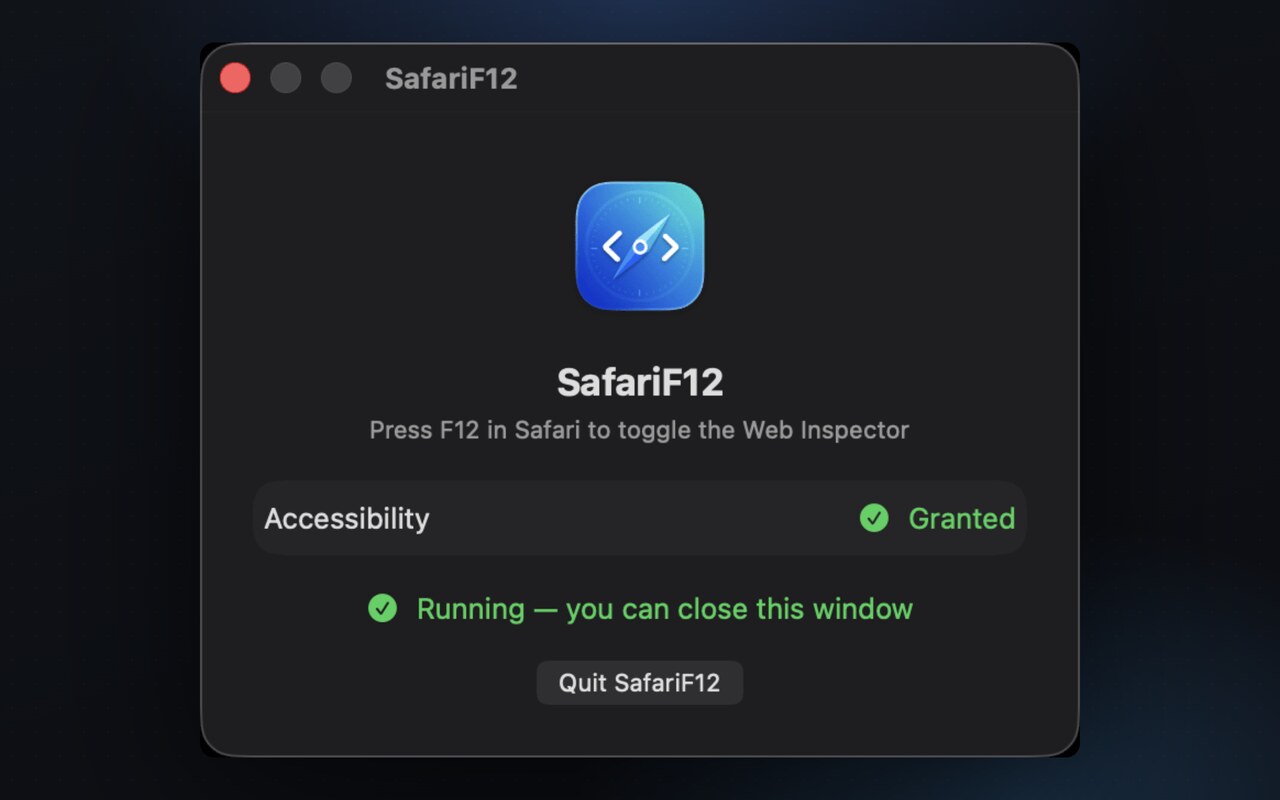
Launch SafariF12 and grant Accessibility when prompted. It covers both listening for F12 and sending ⌥⌘I.
- 3
Close the status window. SafariF12 registers itself to launch at login and keeps working in the background.
In rare cases macOS also asks for Input Monitoring, and the status window guides you. To see the status window again, open SafariF12 from Launchpad or Finder while it's running.
The details
-
Safari only. It does nothing in any other app, so F12 keeps its usual meaning everywhere else.
-
Can't get in your way. It uses a listen-only event tap, so it can never block or delay your keyboard input.
-
Invisible. No menu bar icon and no Dock icon. Turn off launch at login anytime in System Settings › General › Login Items.
-
Why not an App Shortcut? macOS can bind F12 to Safari's "Show Web Inspector" menu item, but that depends on the exact localized menu title. SafariF12 works out of the box in any language.
SafariF12 makes no network requests. It only watches for the F12 key while Safari is in front, and never records what you type.
Found a bug or want a feature? Open an issue or come say hi.