
IDBPort
Export a site's IndexedDB, and import it back.
Most IndexedDB tools can export, but not import, so backups and migrations stop halfway. IDBPort does both: save a site's database to a file, then load it back into the same site, another profile or another browser.
Chrome, Edge, Firefox and Safari · Free and open source
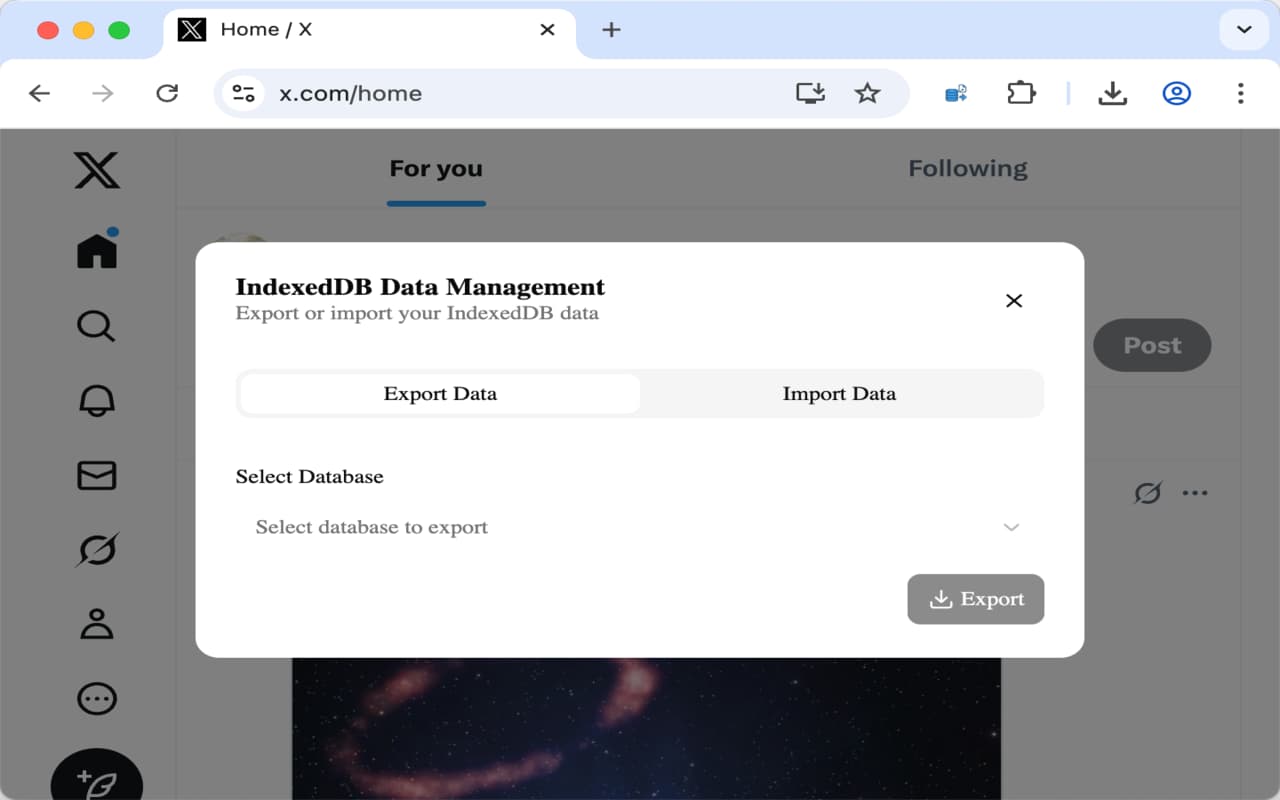
Both directions
Export
Pick one of the current site's databases and save it as an .idb file.
Import
Choose an .idb file and its data is written into the site's IndexedDB.
Good to know
-
Firefox needs the database name. Firefox can't list a site's databases, so you type the name in yourself.
-
Back up first. Importing writes into a live database. Export a copy before importing over data you care about.
Your data goes from the site to a file on your computer and back. IDBPort doesn't upload it anywhere.
The only network request it makes is an anonymous usage ping, at most once a day: a random install ID, the extension version and your browser language.
Found a bug or want a feature? Open an issue or come say hi.