
Clean Twitter
Browser Extension 2025-09-05
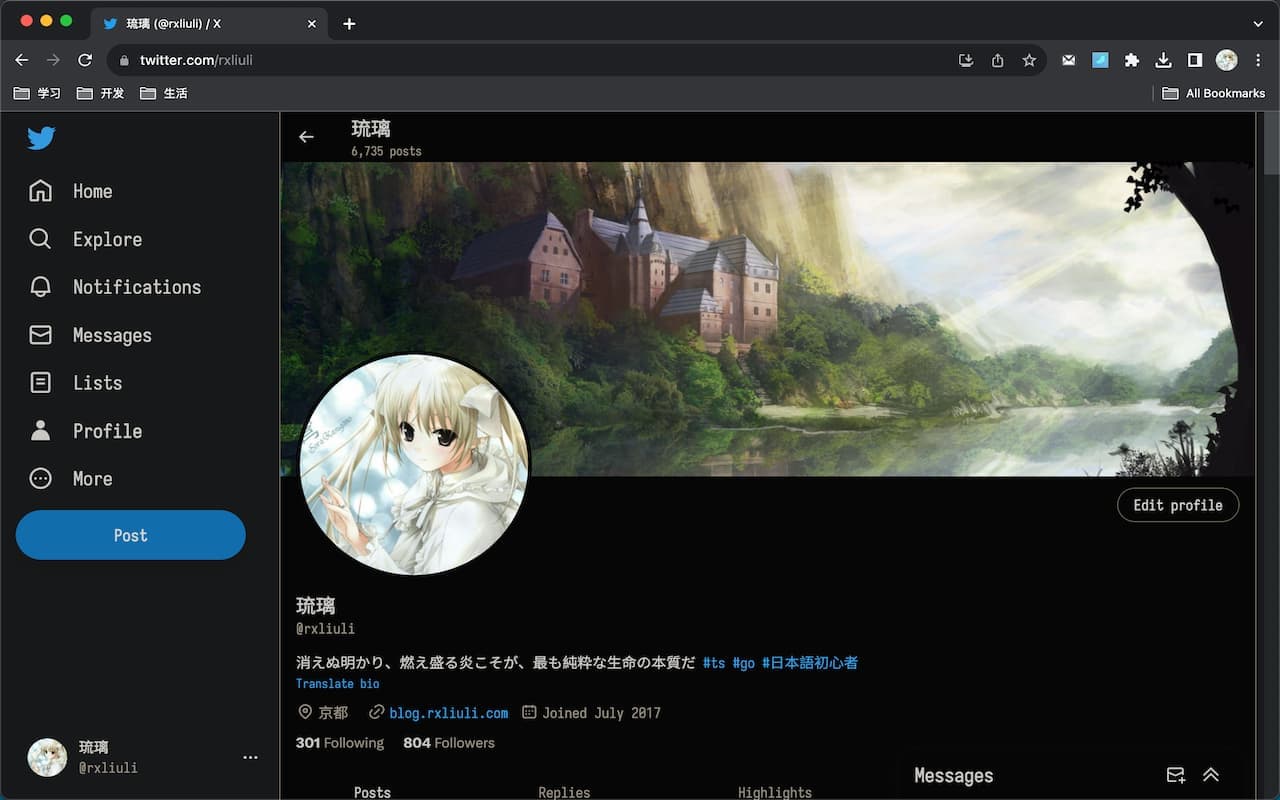
Clean up some annoying elements on Twitter and make your Twitter experience cleaner
#Chrome#React#Twitter
Clean Twitter
Clean up unnecessary elements on X (Twitter) and enjoy a cleaner, more focused experience.
✨ Features
Core Features
- Restore Logo - Bring back the classic Twitter bird logo
- Hide Right Sidebar - Remove the trending and suggestions sidebar for a cleaner interface
Navigation Cleanup
- Hide Timeline Explore - Remove the Explore tab from your timeline
- Hide Discover More - Remove the “Discover more” section
- Hide Premium - Remove Premium/X Premium promotional elements
- Hide Communities - Remove the Communities tab
- Hide Bookmarks - Remove the Bookmarks tab
- Hide Grok - Remove the Grok AI assistant
- Hide Jobs - Remove the Jobs section
- Hide Analytics - Remove the Analytics tab
🎉 Demo
🚀 Getting Started
- Install the extension from Chrome Web Store or Firefox Add-ons
- Visit X (Twitter) - The extension will automatically activate
- Customize your experience - Click the extension icon in your toolbar to enable/disable specific features
🔧 Configuration
All features can be individually toggled on/off through the extension popup. Your preferences are saved automatically and sync across your devices (if browser sync is enabled).
⚠️ Firefox Users
Firefox users need to manually enable the CSS :has selector for full functionality:
- Type
about:configin the address bar - Search for
layout.css.has-selector.enabled - Set it to
true
Reference: MDN Documentation
🤝 Contributing
Contributions are welcome! Feel free to submit issues or pull requests on our GitHub repository.
📄 License
🙏 Support
If you find this extension helpful, please consider:
- Report Issues: GitHub Issues
- Contact Email: rxliuli@gmail.com
- Discord Community: Discord community