Scroll Lag in Safari Extension Popups
Background
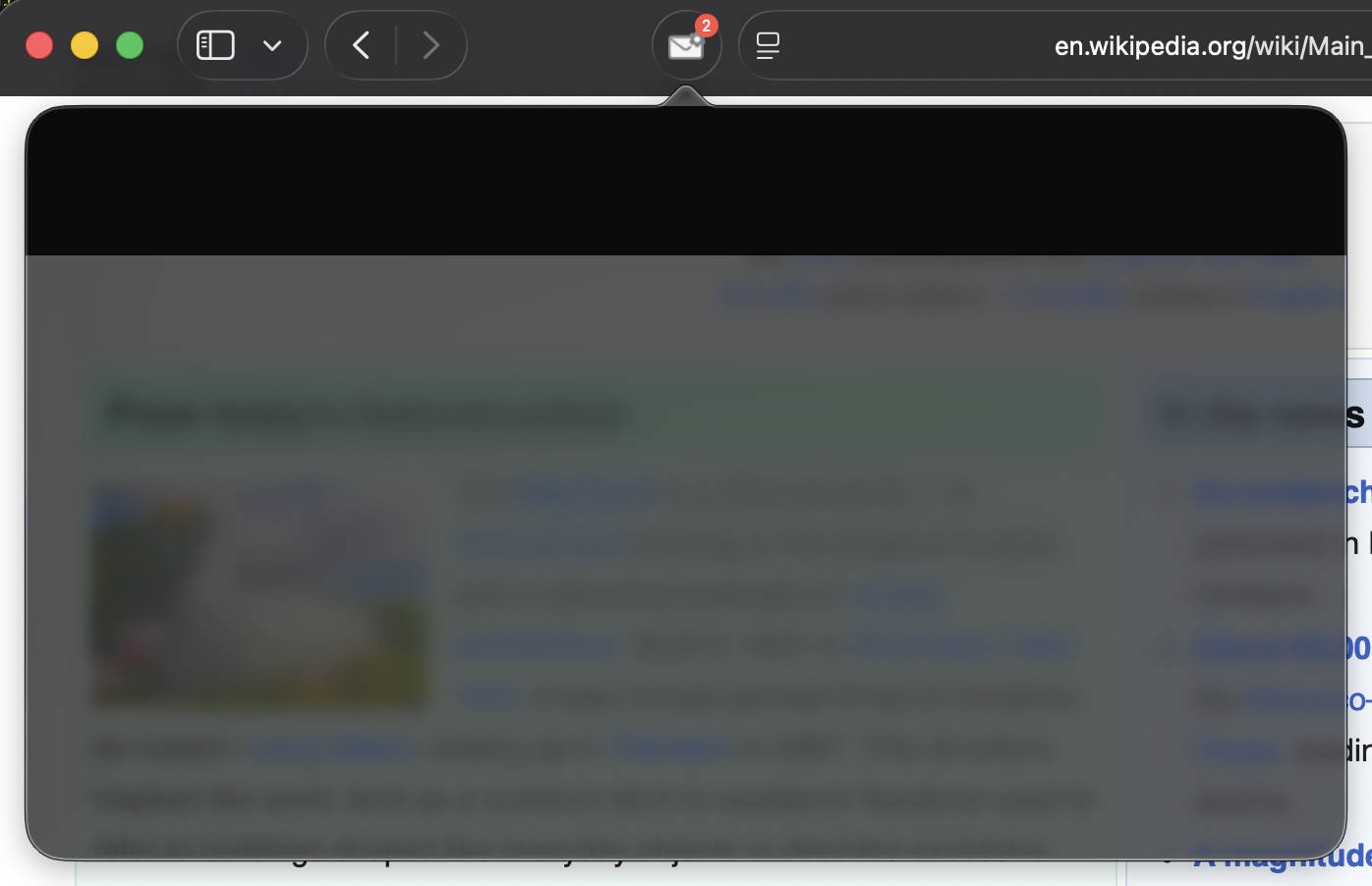
Yesterday, while adding Safari support to an extension, I ran into a strange problem: scrolling inside the popup felt sluggish.
Like this — not just slow, but with zero inertia at all.
Open the same popup page in a new tab instead, and scrolling is far smoother.
Investigation
The reproduction steps are simple:
- Write enough content with JavaScript to produce a scrollbar — the demo above just uses a plain for loop plus a
<ul>list. - Open the popup and scroll. That’s it, the bug shows up immediately.
// popup.js
const ul = document.createElement('ul')
document.body.appendChild(ul)
for (let i = 0; i < 1000; i++) {
  const li = document.createElement('li')
  li.textContent = 'list ' + i
  ul.appendChild(li)
}
Before I’d even gotten this far, I’d already run into a handful of nasty, seemingly unrelated bugs:
- The popup would flash white, or half black and half white, when switching between pages 1
prefers-color-schemesometimes wasn’t detected, so the popup stayed light even with the system in dark mode 2- Scroll position didn’t reset to zero after route changes
- Scrolling had no spring/bounce effect at all
Turns out all four of these seemingly unrelated bugs trace back to the exact same problem: the popup’s native window auto-resizes to match its content height. Chrome and Firefox handle this without any issue; Safari apparently still has some rough edges around it.
The Fix
I didn’t suspect resizing was the culprit at first, so I burned time on a few dead ends:
- Drop nested scroll containers, scroll at the document level instead: I’d originally used
h-screenplus a flex column to keep the top bar fixed while the rest of the page scrolled underneath it, so when I first hit the “white screen after navigating back to the home page” bug, I assumed something in the home page’s own implementation was broken. - Inline critical CSS to win the race on load: along the way I also found a dark-mode bug. The strangest part: the popup itself rendered with the wrong theme, but opening that exact same popup page in a new tab rendered it correctly.
- TanStack Router’s built-in
scrollRestoration: true: once I noticed the scroll offset after switching pages lined up with the height of the white-screen glitch, I figured the page just wasn’t scrolling back to the top after navigation, so I tried this. - Pin
body’s width and height, and scroll inside it: it finally clicked that maybe the resize triggered by changing content was causing rapid re-renders, and that was what made scrolling feel slow. All four bugs disappeared at once.
Here’s the key code:
/* popup.js */
/* Safari only */
html.safari-fixed-popup,
html.safari-fixed-popup body {
  width: 672px;
  height: 600px;
  overflow-x: hidden;
  overflow-y: auto;
}
// popup.js
if (import.meta.env.SAFARI) {
document.documentElement.classList.add('safari-fixed-popup')
}So what’s actually happening inside Safari’s popup? The only piece of official documentation I could find was one line from the WebKit Blog’s Safari 26.2 changelog: extension popups could open scrolled down and some websites could flicker during scrolling.
I also found two related, though not quite matching, leads: WebKit Bug 296056 reports an abnormal scroll position when popups open on iPadOS 26 — already fixed, though the root cause turned out to be scroll triggered by focus restoration after a <dialog> closes, not the auto-resize behavior here. An Apple Developer Forums thread directly confirms that the resize-to-content mechanism itself is unreliable: someone reported that on iPad, the popup’s container grows to fit taller content but never shrinks back down again. Taken together, this clearly isn’t an edge case I happened to hit alone.
I couldn’t find any documentation or issue tying these four symptoms back to “auto-resize based on content” as the root cause, so I wrote up the whole debugging process and filed it with Apple (FB24198765), and mirrored it to lapcat/SafariExtensions, a repository that collects public, searchable copies of Safari extension Feedback Assistant reports (Feedback Assistant itself is private and can’t be searched). If you’ve run into something similar, feel free to +1 there or add your own repro case.
Conclusion
Safari extensions are an outlier among every browser out there: Apple forces you to package and distribute an extension as an app — installing a Safari extension and installing an app use literally the same installer. Even setting extensions aside, Safari’s support for web standards often feels like a new-era Internet Explorer, bad enough that supporting iOS is routinely treated as a chore — every browser on iOS runs on WebKit, including Chrome, since Apple doesn’t let browsers ship their own engine there.
Footnotes
-
 — someone reported the exact same thing on an old 2021 Apple Developer Forums thread that’s still unanswered. ↩